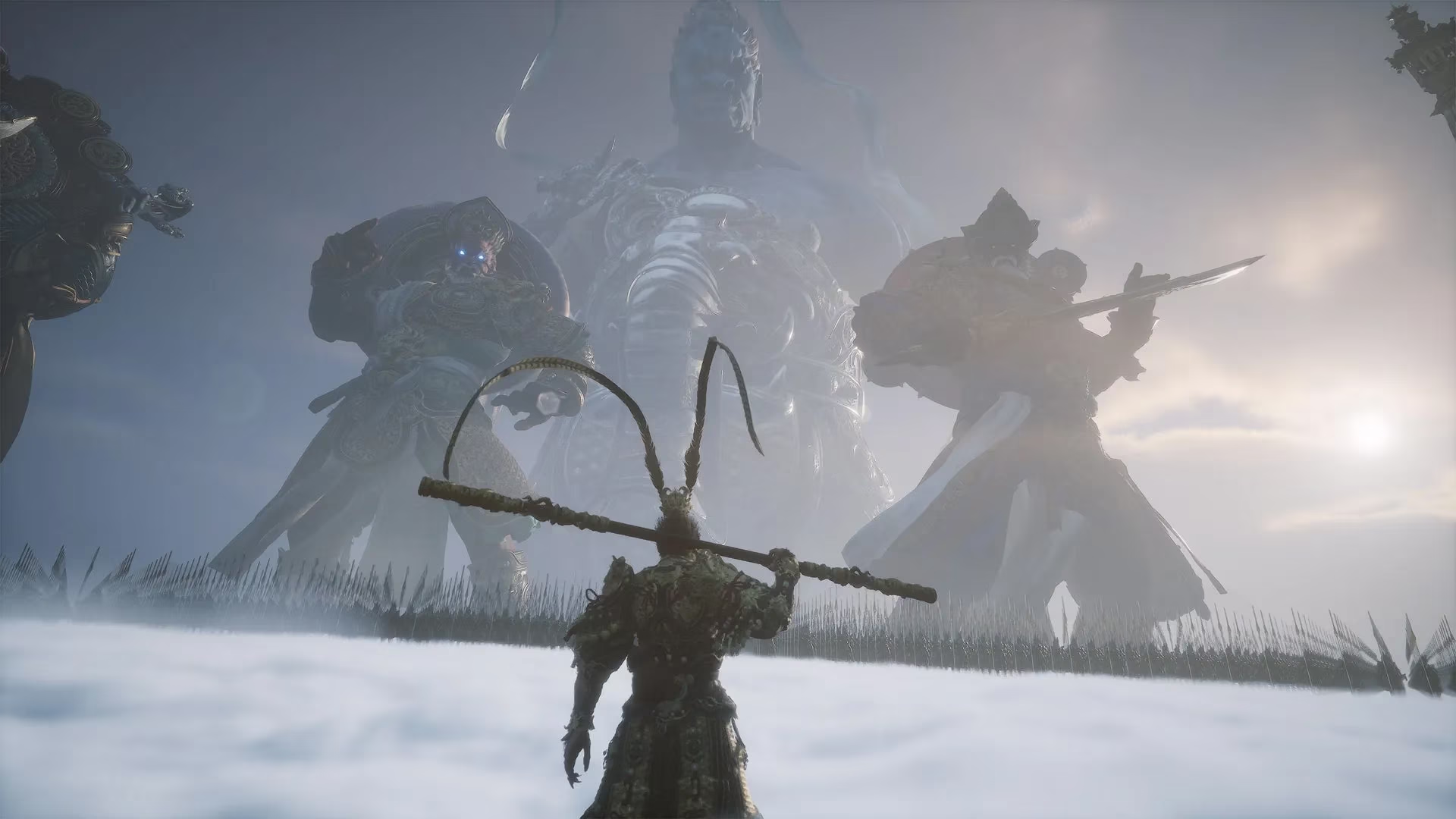
As a dedicated gamer, I've been eagerly anticipating the release of Black Myth: Wukong for years. Now, in 2026, the game is a celebrated title, and many players are still discovering its rich world. Before you embark on this epic journey, it's crucial to ensure your PC is ready. The good news is that the game is quite accessible and doesn't demand the absolute latest hardware, though a more powerful setup will undoubtedly unlock its full visual splendor and ensure a smoother, more immersive experience. Let's dive into the system specifications you'll need, and I'll share some insights from my own playthrough.
📊 Minimum PC Requirements: The Bare Essentials
These are the baseline specs needed to get the game running. Meeting these requirements means you can play, but you'll likely need to make some compromises. I remember trying the game on a system similar to the minimum specs early on, and while it was playable, I had to use the in-game compatibility mode to ensure stability.
Here is a breakdown of the minimum requirements:
| Component | Specification |
|---|---|
| Operating System | Windows 10 |
| Processor (CPU) | Intel Core i5-8400 / AMD Ryzen 5 1600 |
| Memory (RAM) | 16 GB |
| Graphics Card (GPU) | NVIDIA GeForce GTX 1060 (6GB) / AMD Radeon RX 580 (8GB) |
| DirectX | Version 11 |
| Storage Space | 130 GB |
| Sound Card | Windows Compatible Audio Device |
🔧 My Experience on Minimum Specs:
-
Performance: The game ran, but frame rates were inconsistent, especially in dense, detailed areas.
-
Settings: I had to disable many high-end graphical features like ray tracing, advanced shadows, and high-quality textures.
-
Stability: Enabling compatibility mode was essential; it prevented crashes and annoying black screen flashes, though it did limit visual fidelity.
-
Verdict: It's a viable way to experience the story, but the breathtaking artistry of the game is somewhat diminished.
🚀 Recommended PC Requirements: For the Optimal Journey
If you want to experience Black Myth: Wukong as the developers intended—with stunning visuals, smooth combat, and no technical hiccups—aim for the recommended specs or higher. This setup allows you to enjoy features like DirectX 12 and better utilize modern GPU architectures.
Here are the recommended system requirements:
| Component | Specification |
|---|---|
| Operating System | Windows 10 (Windows 11 is also fully supported in 2026) |
| Processor (CPU) | Intel Core i7-9700 / AMD Ryzen 5 5500 |
| Memory (RAM) | 16 GB (32 GB is becoming the new sweet spot for 2026 gaming) |
| Graphics Card (GPU) | NVIDIA GeForce RTX 2060 / AMD Radeon RX 5700 XT / Intel Arc A750 |
| DirectX | Version 12 |
| Storage Space | 130 GB (Consider a fast NVMe SSD for drastically reduced load times) |
| Sound Card | Windows Compatible Audio Device |
🎮 Why the Recommended Specs Make a Difference:
-
Visual Fidelity: You can enable higher texture details, better anti-aliasing, and more complex environmental effects. The world feels alive and incredibly detailed.
-
Frame Rate: Combat is fluid and responsive, which is critical for a game with precise parry and dodge mechanics. I never experienced lag during intense boss fights.
-
Future-Proofing: With these specs, you're well-prepared for any post-launch updates or graphical enhancements that have been released since the game's launch.
💾 The Universal Challenge: Storage Space
One requirement that catches everyone by surprise is the 130 GB of storage space. 😲 This is non-negotiable. The game's vast, beautifully rendered world, high-quality audio, and detailed character models demand significant space.
My storage tips for 2026:
-
Use an SSD: Installing the game on a Solid State Drive (SSD) is almost mandatory. Load times are slashed from minutes to seconds. An NVMe M.2 SSD is the best choice.
-
Plan Ahead: Clear out old games or files. In 2026, with game sizes consistently growing, managing a 1-2TB dedicated game drive is a smart move.
-
Check for Updates: Post-launch patches and content expansions have likely added more data. Always ensure you have a buffer of 20-30 GB beyond the listed requirement.
🔮 Looking Ahead: Gaming in 2026
Since the game's release, the hardware landscape has evolved. While the official requirements remain a great guide, here's my contemporary take for 2026 players:
-
CPU: A modern 6-core/12-thread processor (like an AMD Ryzen 5 7600X or Intel Core i5-13600K) will provide ample headroom.
-
GPU: For a truly premium experience at 1440p or 4K, consider an NVIDIA RTX 3070 / AMD RX 6700 XT or newer. These cards handle ray tracing (if supported by the game's updates) with ease.
-
RAM: 16 GB is the official recommendation, but I've found that 32 GB is becoming the new standard for a seamless multitasking and gaming experience, especially if you like having guides or streams open on another monitor.
-
Monitors: A high-refresh-rate monitor (120Hz or above) paired with a capable GPU makes the fast-paced combat incredibly smooth.
🎯 Final Thoughts and Getting Started
Preparing your system is just the first step. Once you're in the game, a world of challenge and beauty awaits. From my countless hours of play, I can tell you that mastering the combat and seeking out every secret is deeply rewarding. The game is filled with fascinating bosses, hidden Keeper's Shrines to unlock, and a rich skill tree to explore.
Before you press 'play,' double-check your drivers, especially your graphics card drivers, to ensure they are up-to-date for the best performance and stability. Now, clear that storage, meet those requirements, and prepare to be swept away by one of the most captivating action RPGs of our time. Your adventure as the destined monkey is about to begin! 🐒✨