When I launched Black Myth: Wukong on PC in 2026, the compatibility mode prompt still felt like a fork in the road: run the game normally, or choose a fallback profile that strips away some settings. I have spent enough time with action RPGs to know that the label can be misleading. Compatibility mode is not a performance preset, and it is not an automatic upgrade. It is a troubleshooting option designed to reduce lag, stuttering, crashes, black screens, and general glitches by deactivating certain features and settings that some PCs struggle with. The game does not publish a full checklist of what changes, but the intent is clear: it removes or disables high-end features that can trigger instability and turns on V-sync by default. That last part matters because V-sync can cause a drop in frame rate, so compatibility mode is not automatically better across the board.
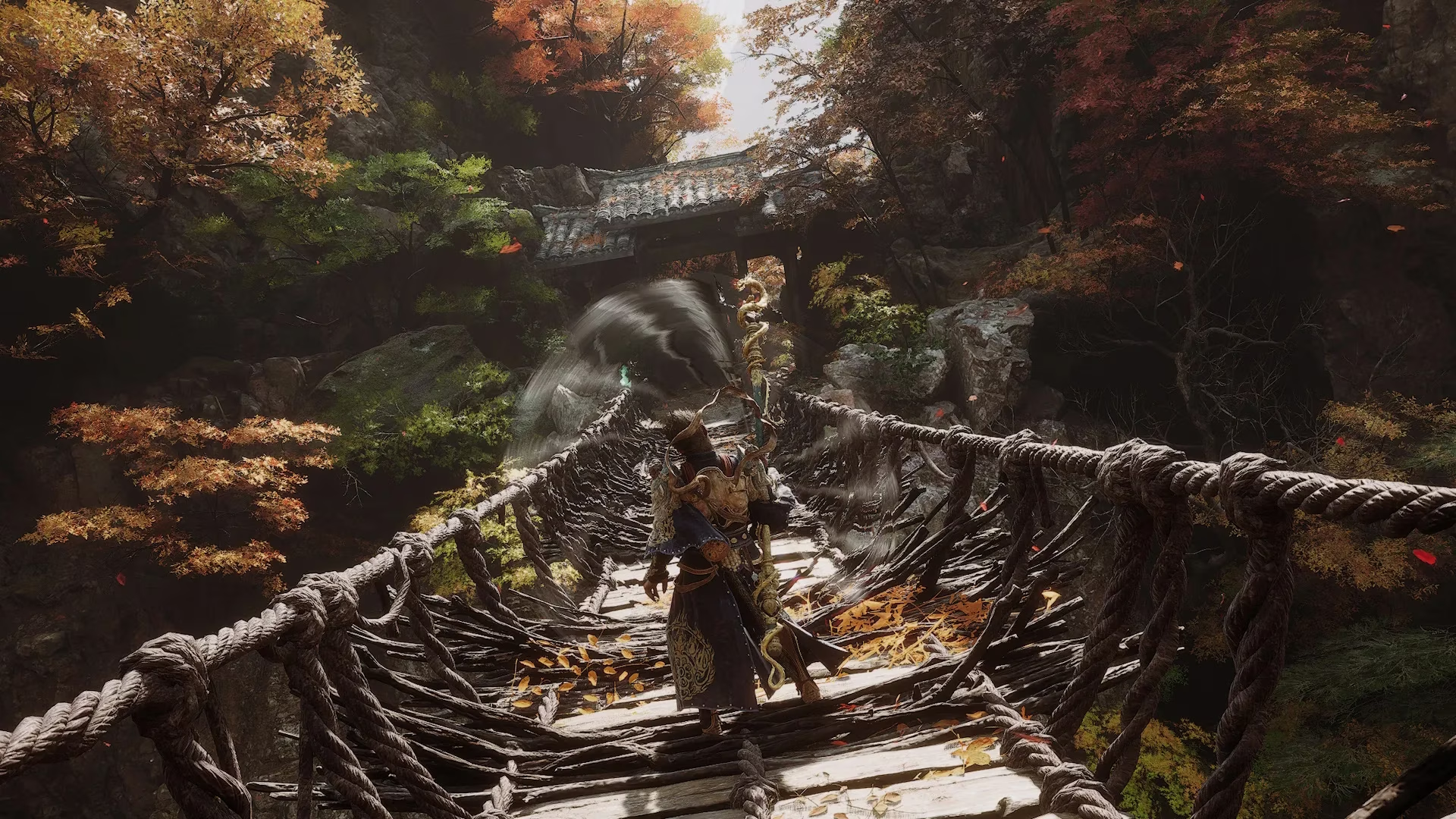
My advice for most players is simple: do not pick compatibility mode on your first launch unless you already know your PC is unstable with demanding games. Start with the standard version. If you get a clean, error-free experience, you are done. If you run into stuttering, crashes, black screens, or visual glitches, close the game and relaunch it from compatibility mode. That is the workflow I recommend because it preserves the full feature set when your hardware can handle it, while keeping a practical fallback close at hand.
Here is the comparison I use when I explain the choice to other players:
| Scenario | My recommendation | Why |
|---|---|---|
| First launch on a stable PC | Standard mode | You keep the full feature set and avoid compatibility mode's default V-sync trade-off. |
| Repeated crashes or black screens | Compatibility mode | It disables settings that can trigger instability on some systems. |
| Stuttering but no crash | Standard first, then compatibility | Try the normal build before giving up high-end features. |
| You changed your mind after startup | Benchmark Tool or Steam properties | Compatibility mode is also available in the Benchmark Tool, and Steam settings can be used if the prompt does not appear again. |
What compatibility mode actually does is easy to understand once you stop treating it as a magic fix. It is a fallback profile. It deactivates certain features and settings that many PCs might struggle with or take issue with, which can provide better functionality on troubled systems. If the standard version is giving you lag, stuttering, crashes, black screens, or glitches, compatibility mode is a sensible next step. But if your game is already running well, switching to it can cost you performance because certain high-end features are shut down and V-sync is active by default.
I also like that compatibility mode is present in the Benchmark Tool. That means if you start the game normally and later decide you want to test the fallback profile, you do not have to guess blindly. You can use the benchmark route to check how your system behaves. And if the compatibility prompt does not come up again at launch, I can still choose it through Steam's settings by right-clicking the game's title in my library and selecting Properties. That is a small but useful safety net for players who want to experiment without reinstalling or fighting the launcher.
In 2026, my verdict is unchanged: compatibility mode is a repair tool, not a default setting. Try the normal version first. If Black Myth: Wukong runs cleanly, stay there. If it fights back with technical issues, compatibility mode is the cleaner troubleshooting path. Just remember the trade-off: fewer high-end features and default V-sync can lower your frame rate, so use it when you need stability, not when you are chasing maximum performance. 🎮
The above analysis is based on reports from PC Gamer, whose PC-focused hardware and performance coverage often emphasizes the difference between troubleshooting presets and true optimization. In the context of Black Myth: Wukong, that perspective reinforces the practical advice to treat compatibility mode as a stability fallback for crashes, stutter, or black screens rather than as a blanket way to gain better frame rates.